Cílem předmětu Odborná praxe 1 je studentovi umožnit využít v praxi teoretické poznatky získané v průběhu jeho studia. Zároveň je možností ověření nabytých znalostí a dovedností v praxi.
Assessment methods
Zápočet: Stejně jako prezenční studenti zpracovávají požadované dokumenty k zápočtu.
Komunikace s garantem odborné praxe jak na straně MVŠO, tak na straně poskytovatele odborné praxe probíhá v rámci osobních konzultací, e-mailem, příp. telefonicky, konzultace a podporu odborných praxí též poskytuje Poradenské a kariérové centrum. Dokumenty studenti odevzdávají osobně a přes IS MVŠO.
Tutoriál je zaměřen na rozvoj profesních dovedností pro praxi.
OP je povinným předmětem ve Vašem studiu.
Praxe slouží pro propojení teorie a praxe. Nejprve je potřeba mít
podepsanou Dohodu a po konci praxe je nutné mít vyplněnou Zprávu a výkaz
práce. Všechny dokumenty se vkládají pouze do IS MVŠO - příslušené
Odevzdávárny.
Metody hodnocení:
absolvování odborné praxe ve vybrané organizaci v rozsahu 120 hodin,
odevzdání požadovaných dokumentů (Dohoda, Zpráva z OP + výkaz práce),
popřípadě zodpovězení operativních otázek k OP od Koordinátora.
Deadliny odevzdání OP:
Dohoda k OP: do 31.03.2026(k podpisu a v Odevzdávárně).
Zpráva z OP: do Odevzdávárny 21. 05. 2026.
Koordinátor OP: Mgr. Martin Poledna (martin.poledna@mvso.cz)
Elektronický podpis Dohody - zašlete Koordinátorovi ve formátu PDF (podepsaná se Vám vrátí zpět).
Důležité: před faktickým plněním praxe si pročtěte dokument (Odborná praxe v rámci NMgr. studia)!
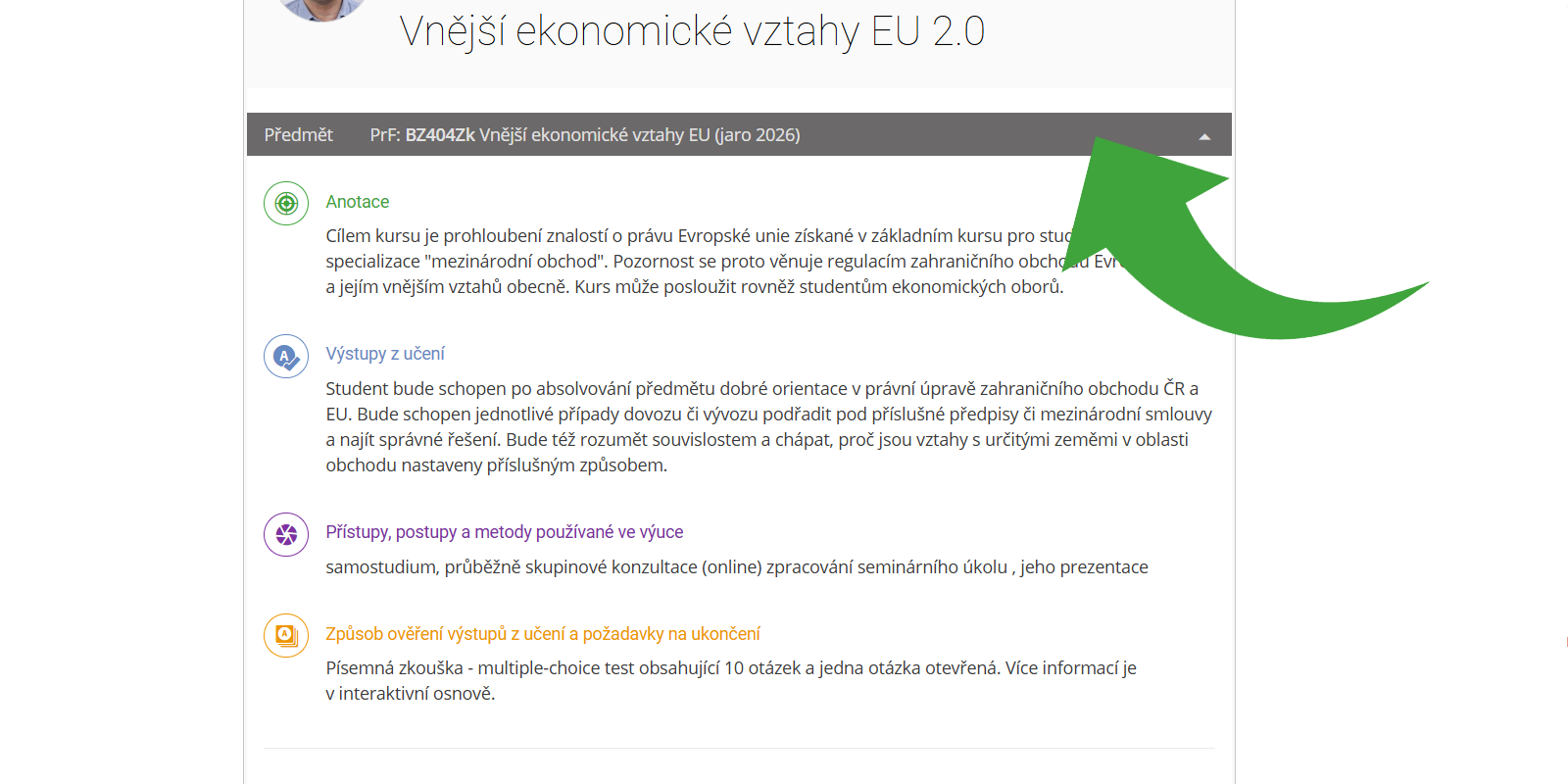
The grey bar on the homepage of the Interactive Syllabus is now more closely connected
to the course syllabus. Four items are automatically retrieved from the syllabus and
displayed when expanded.
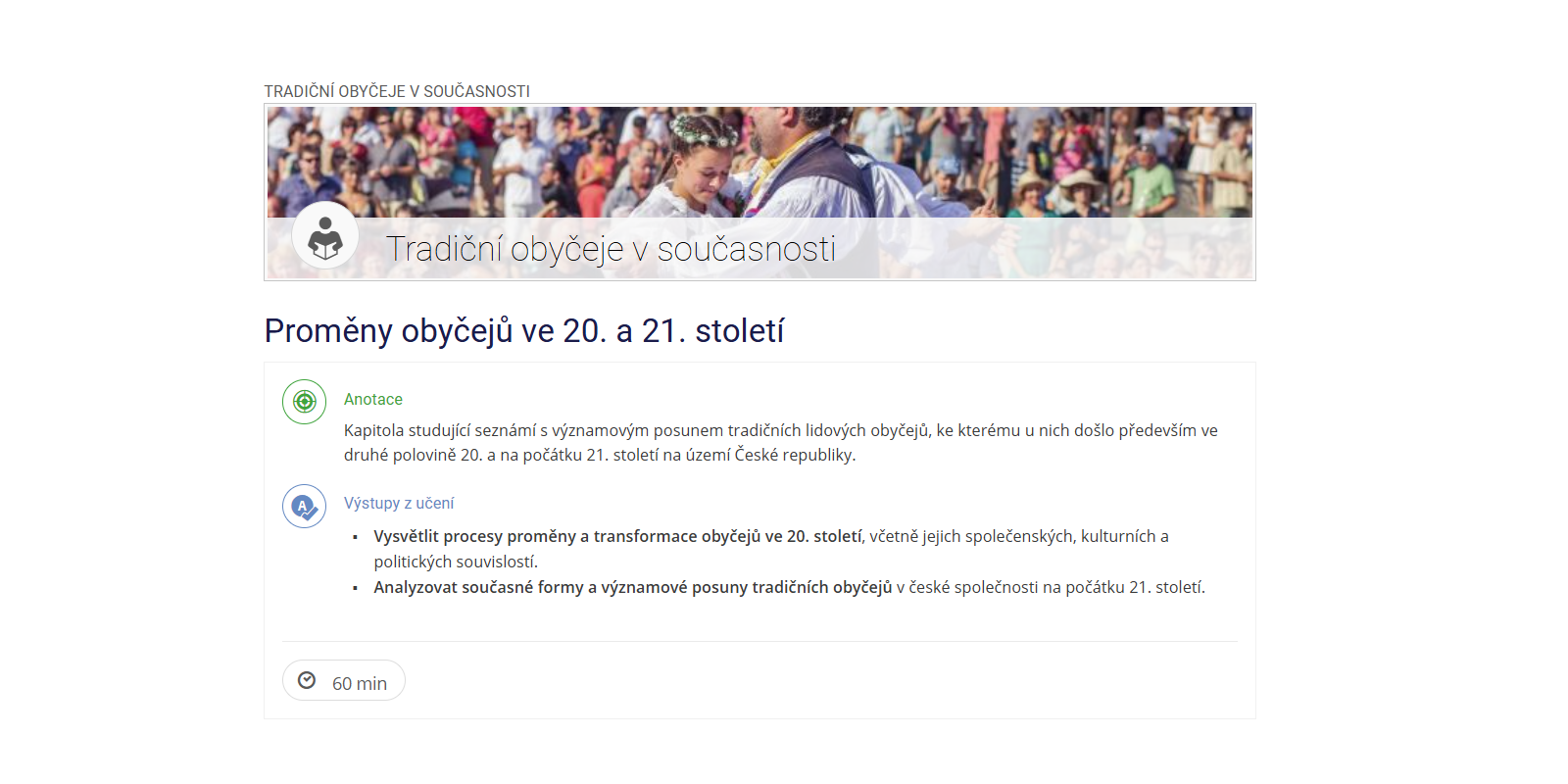
What’s New Chapter Abstrakt and learning outcomes
For each chapter of the Interactive Syllabus, it is now possible to add a chapter abstract,
learning outcomes, and an estimated study time requirements for the lesson. This allows
teachers to more easily follow the methodological guidelines of the National Accreditation
Bureau for courses taught in Distance and Combined Studies.
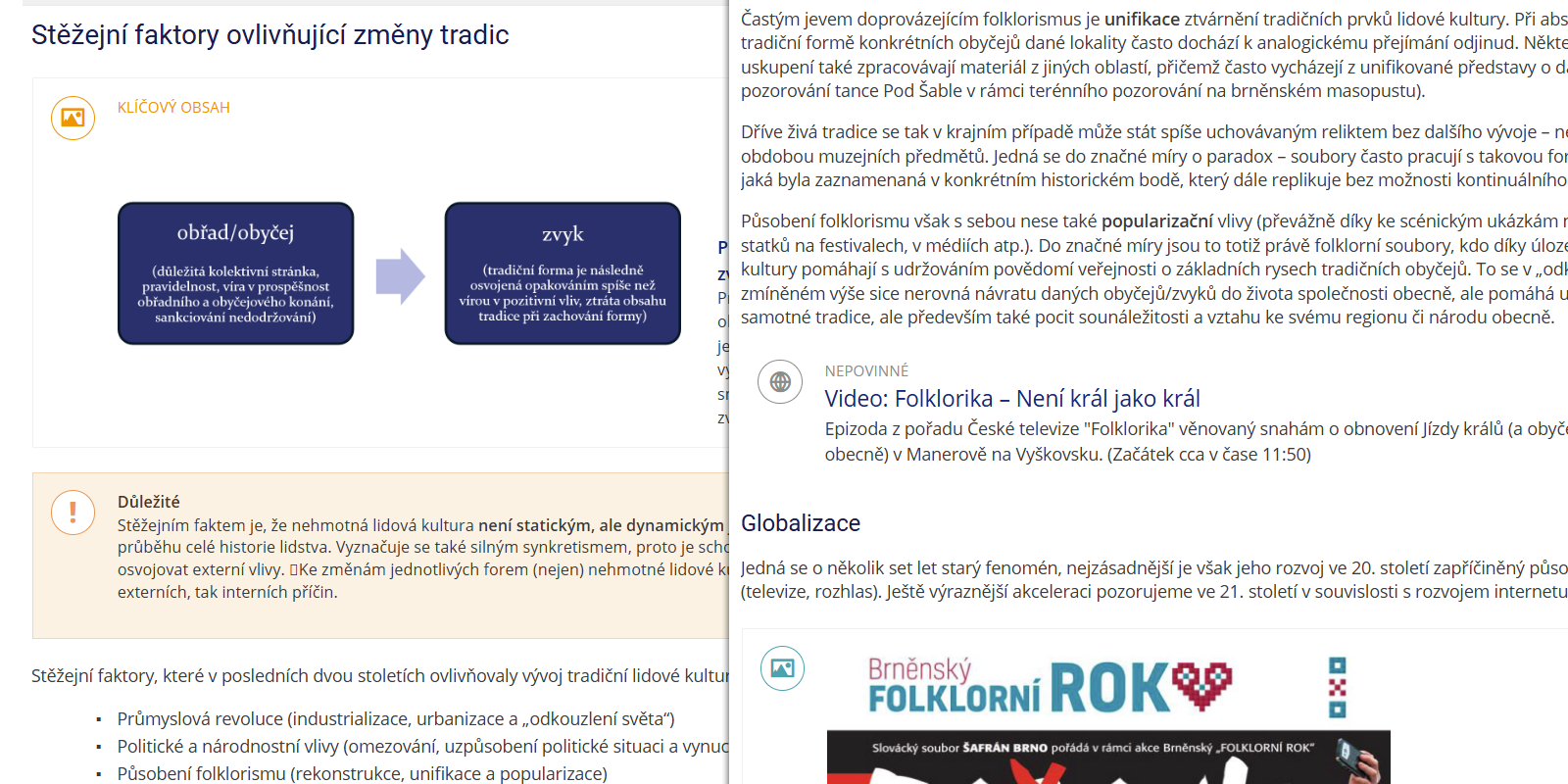
What’s New Highlighting key content
Internal elements of the Interactive Syllabus can now optionally be marked as key content
or as an optional section. This provides instructors with another way to more easily follow
the methodological guidelines of the National Accreditation Bureau for courses taught in Distance
and Combined Studies.
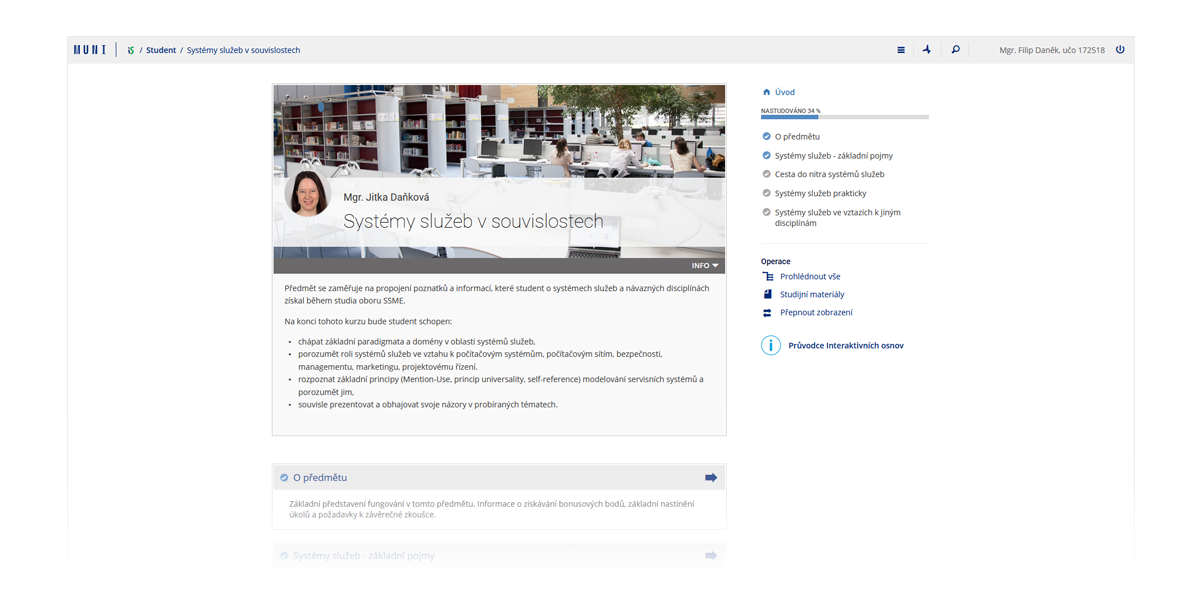
What’s New Effective and Focused Learning
We have redesigned the display of interactive syllabi to support effective and
focused student learning (the so-called “Learning First” approach). Everything
that is not beneficial for studying within the interactive syllabus is
minimized or removed.
What’s New Effective and Focused Learning
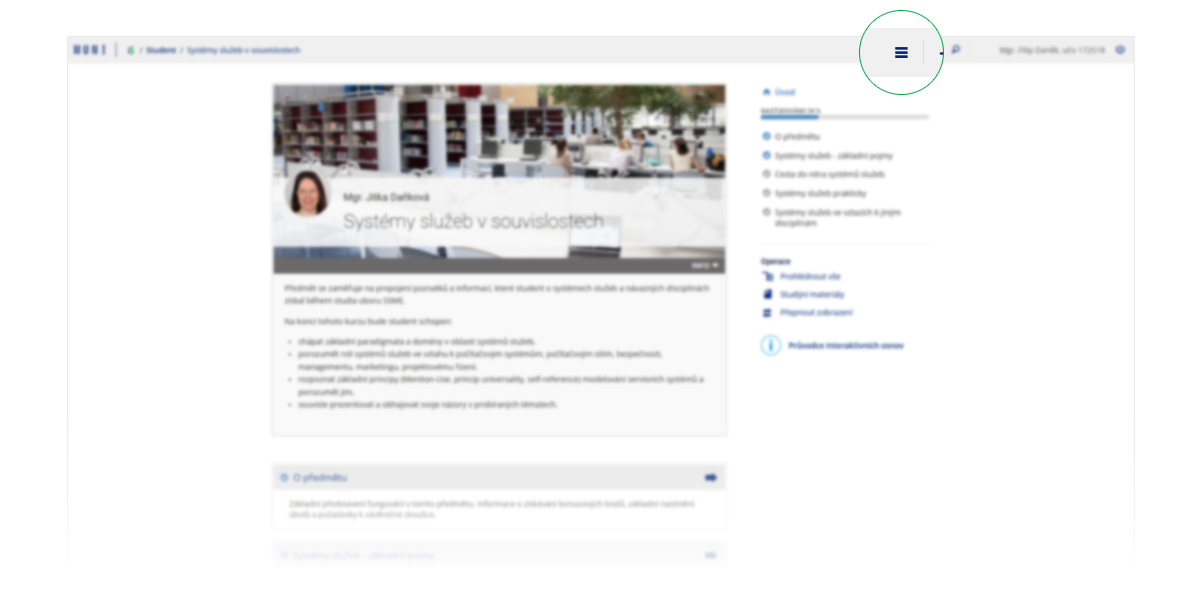
The most visible change is the simplification of the interface. The main
system menu is now accessible via a dropdown in the top bar—located in the
same place as on mobile devices.
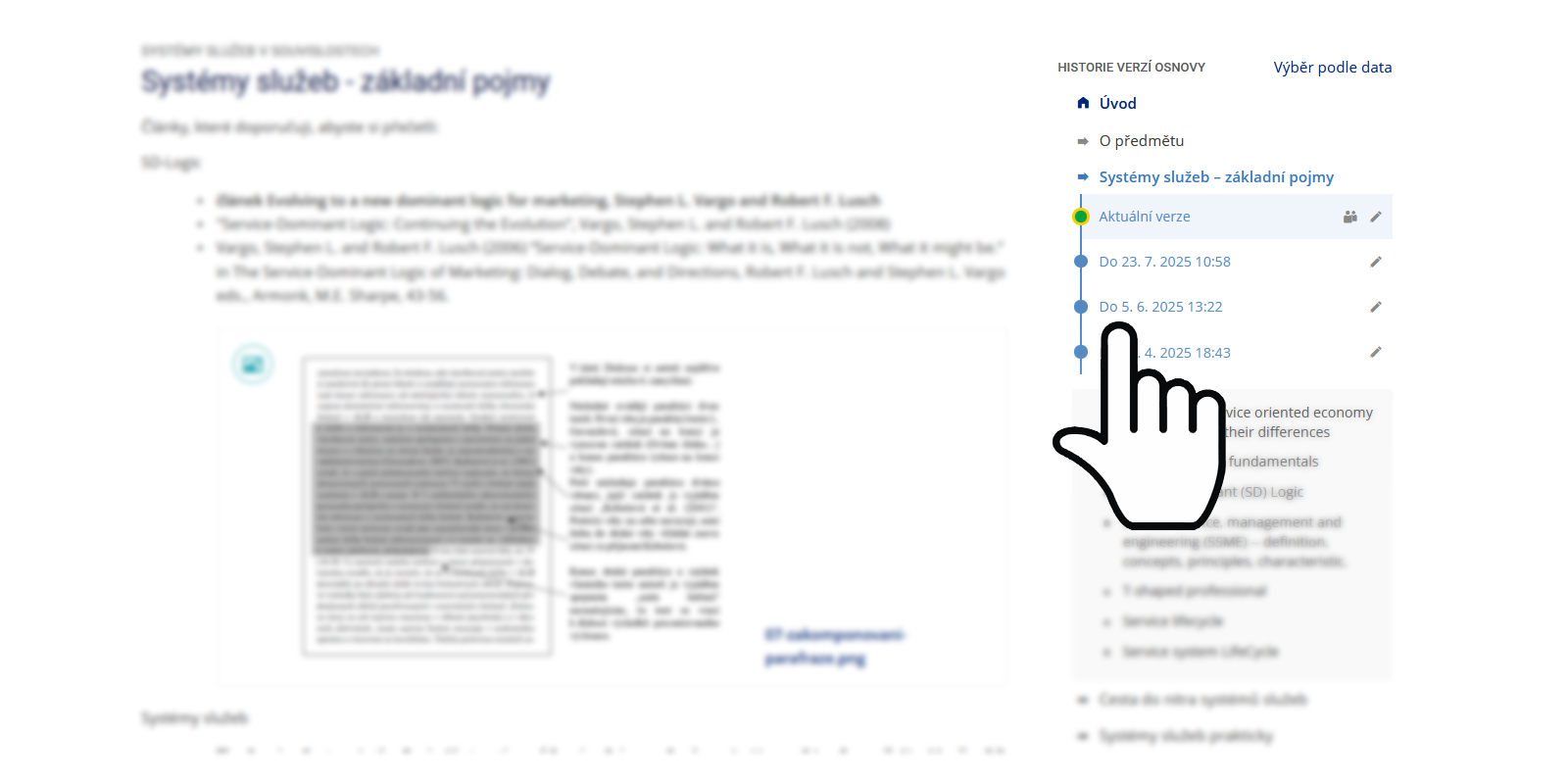
What’s New Version History
Every change made in the interactive syllabus is now automatically saved as a
version. You can return to any previous version of the content at any time and
restore it. This means you no longer have to worry about accidentally
overwriting or losing important data.
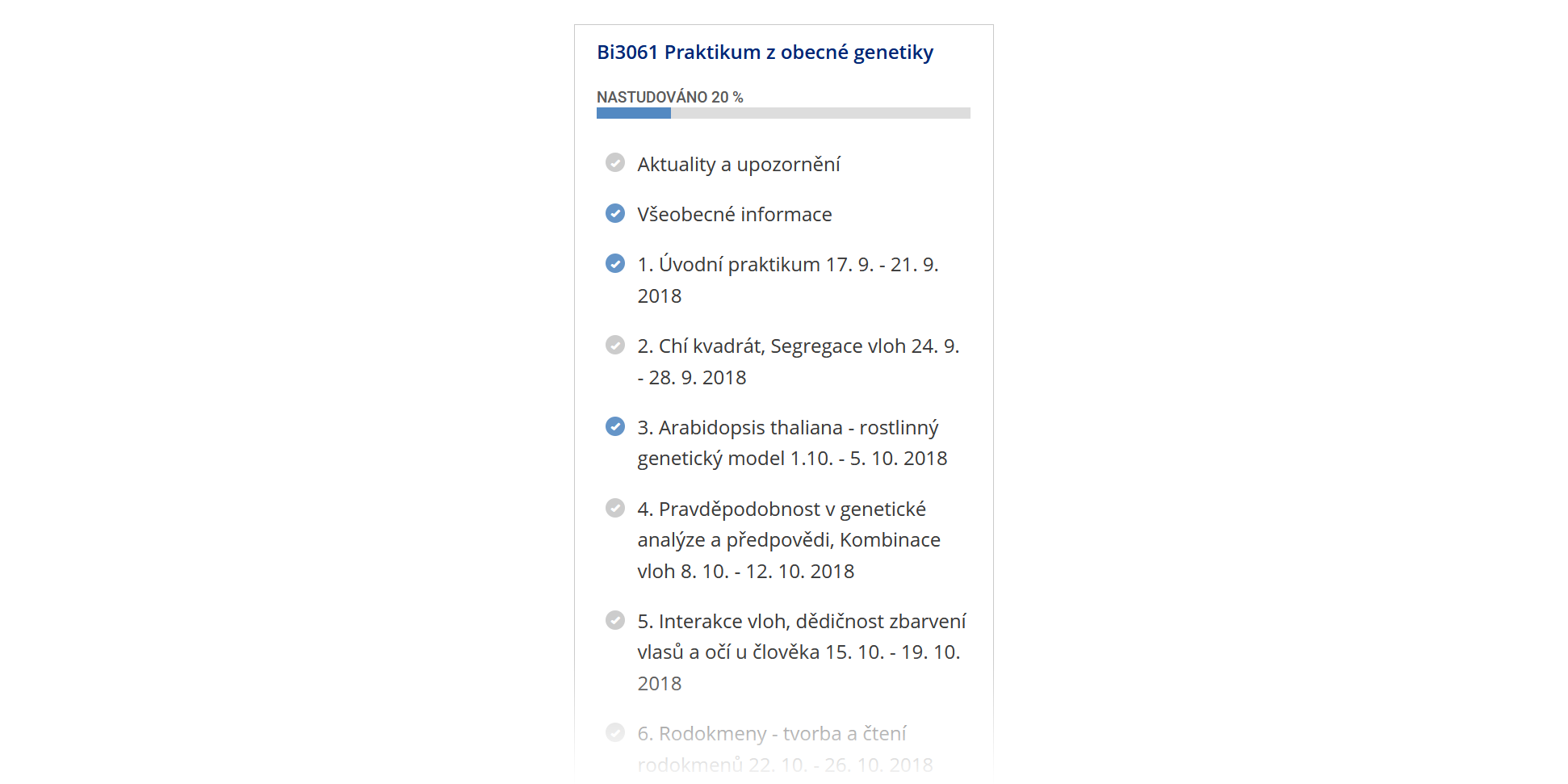
Study progress
The “Study progress” indicator shows students how far they have progressed in
reading and completing the interactive syllabus. It takes into account viewed
chapters, played videos, opened linked files, etc. Students can also easily
identify skipped materials and return to them later.
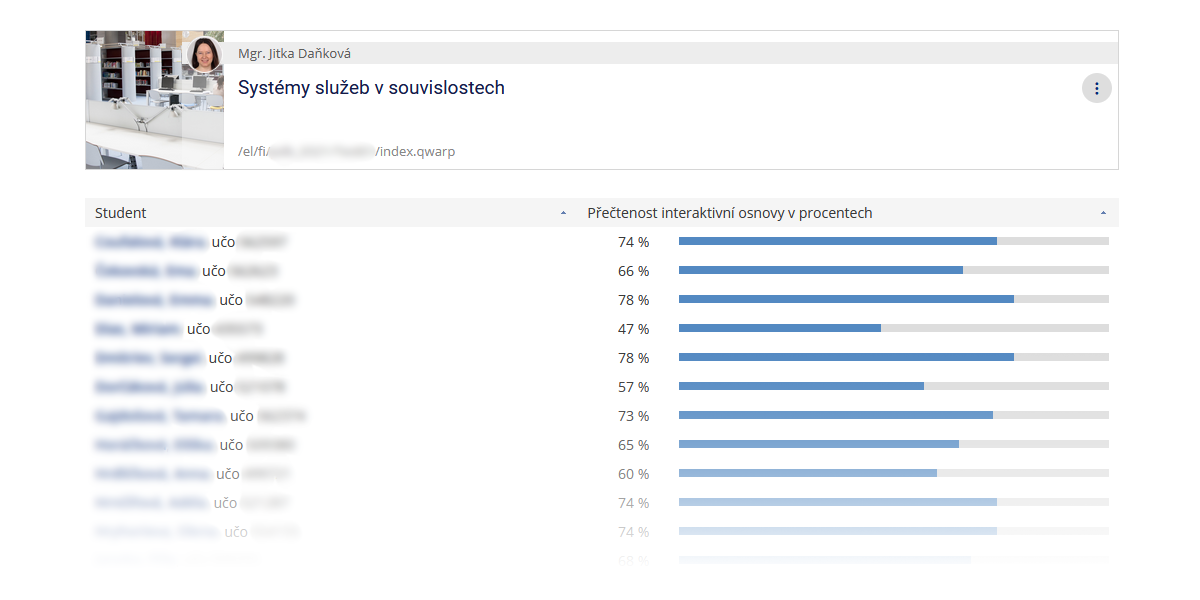
Read rate
Teachers can view their students’ study progress indicator through the “Read
rate” feature. This allows them to see how students are progressing in their
studies. Teachers can easily identify students who have not yet opened the
interactive syllabus and provide them with support.
Copying Content Between Interactive Syllabi
Copying Content Between Interactive Syllabi
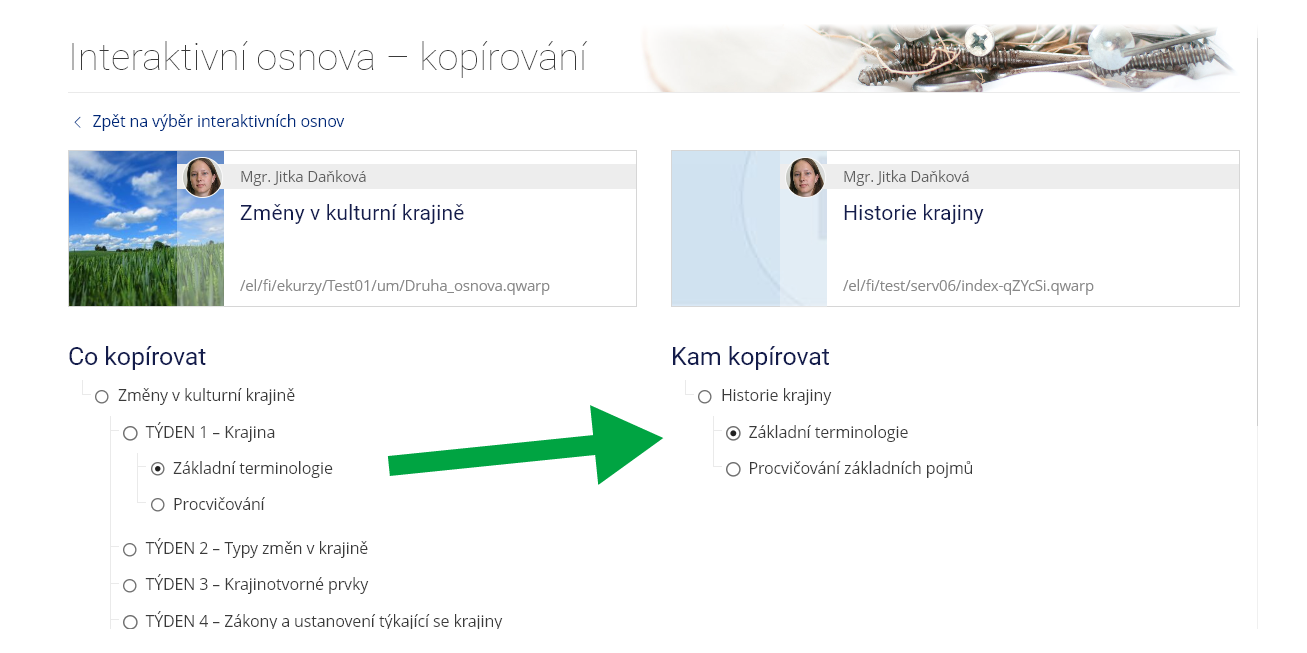
Chapters can now be copied easily from one interactive syllabus to another
using the “Copy Chapters” function. This is especially useful for instructors
whose courses overlap in content.
Validation
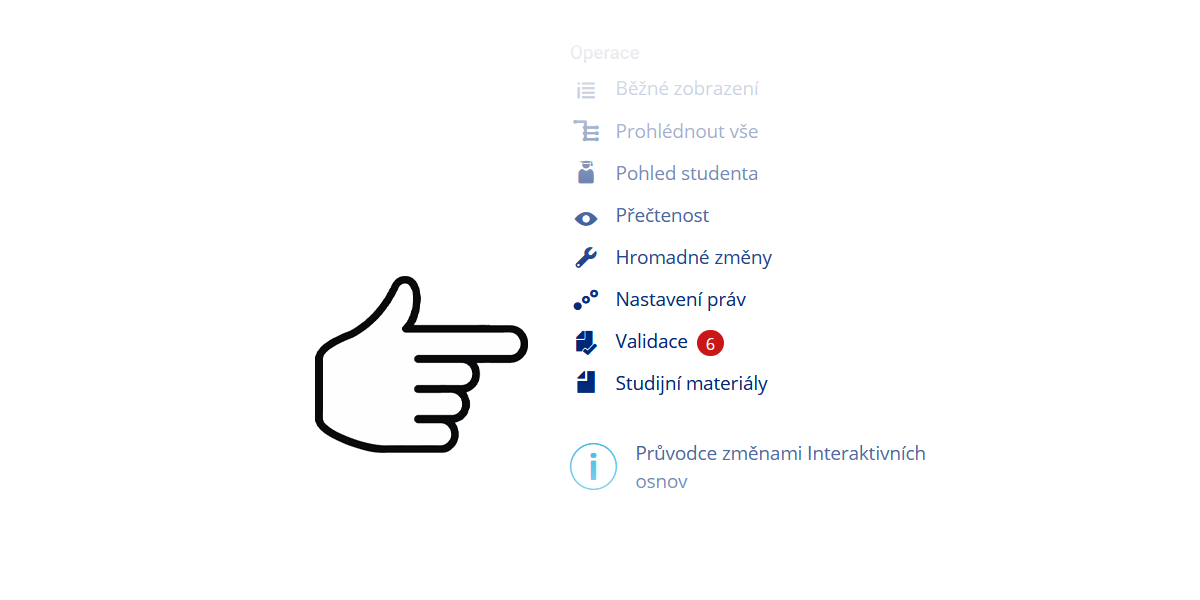
Validation checks whether the interactive syllabus is set up correctly. For
example, it verifies that linked study materials are truly accessible to
students and that any linked discussion exists. Validation is recalculated
automatically every night.
Header
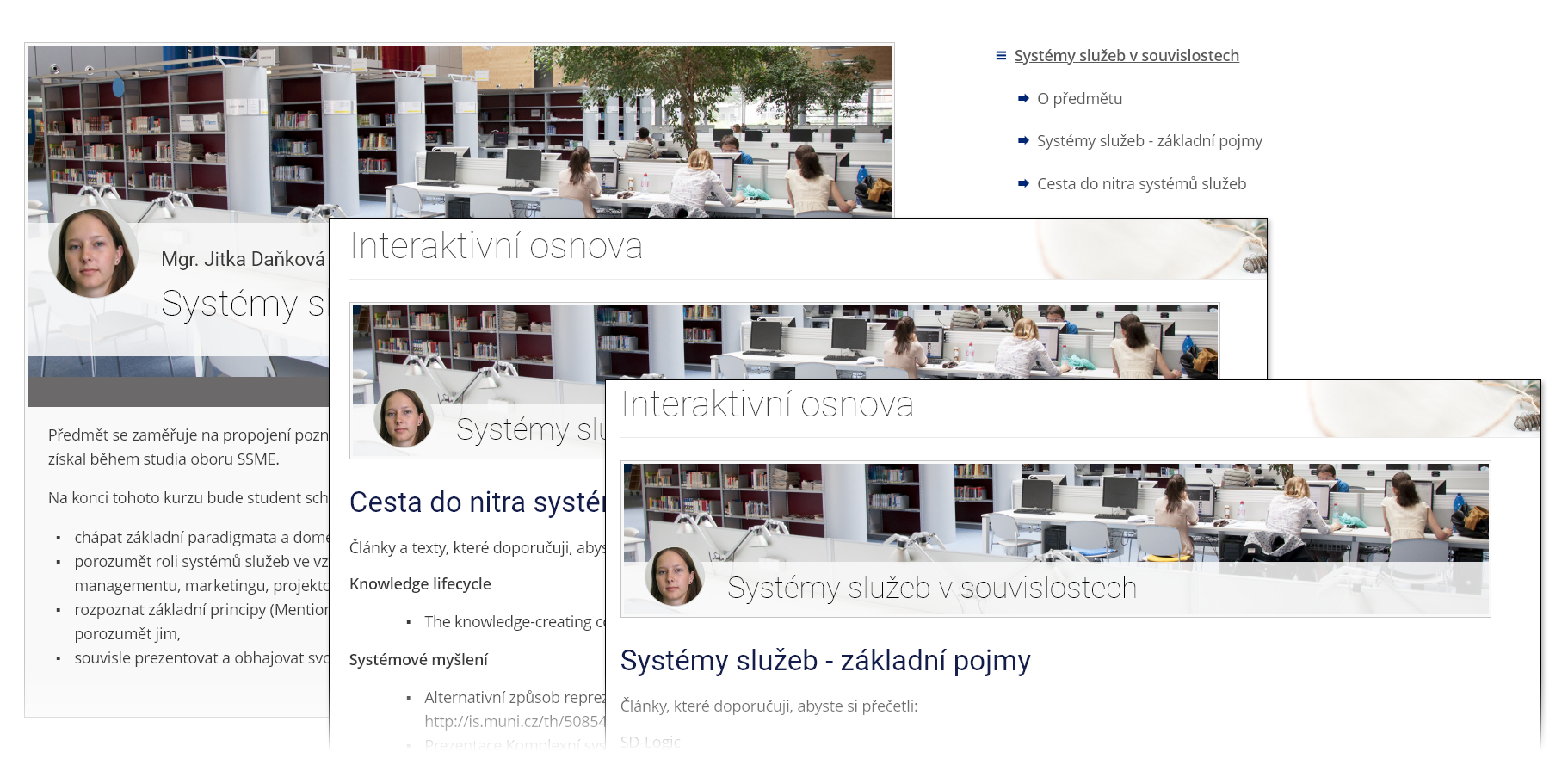
The interactive syllabus header image can now be repeated at the start of
every chapter. Simply select “Zobrazovat úvodní obrázek ve všech kapitolách”
when setting up the header image.
Display Switching
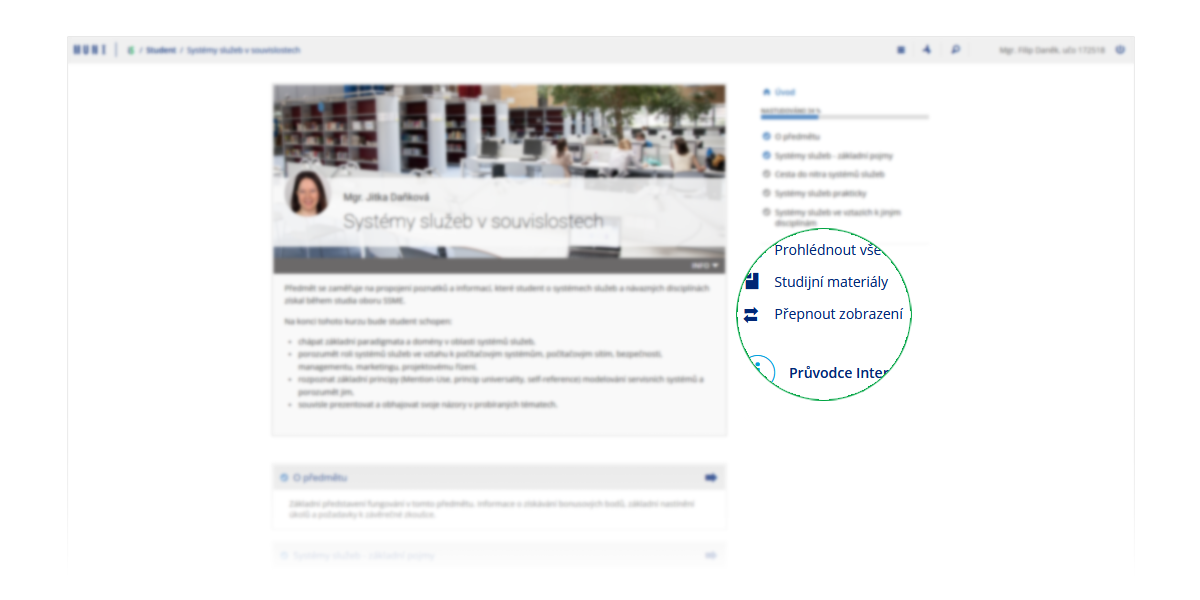
For users who dislike changes, we have temporarily kept the option to switch
the interactive syllabus display back to the previous version. The IS will
remember this preference and display interactive syllabi in the chosen view
for that user.